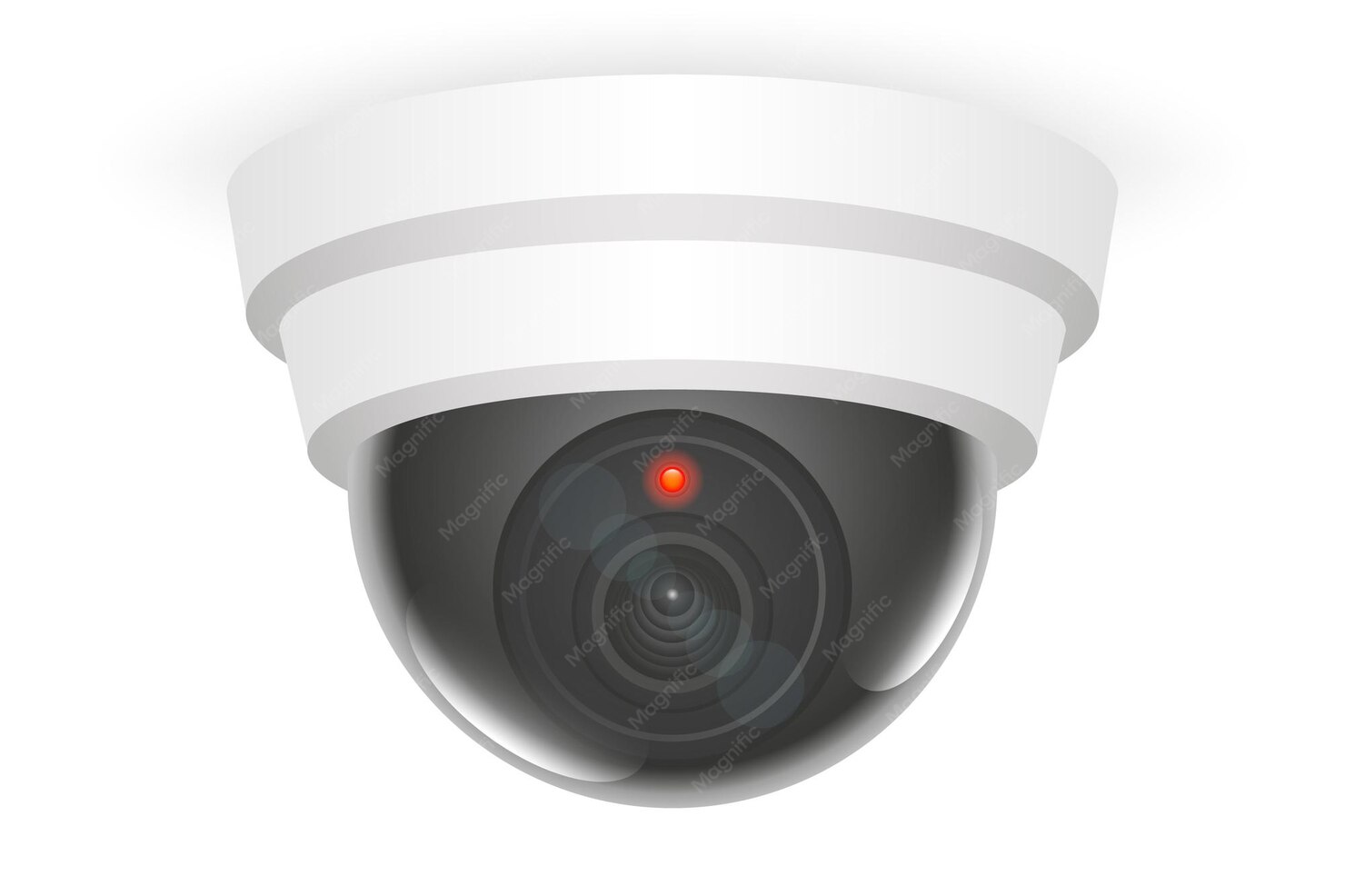
Step-by-Step Wireless CCTV Camera Installation Guide
Setting up a wireless CCTV camera installation is simpler than you might think. Follow these steps for a smooth and hassle-free process:
1. Choose the Right Camera
Select cameras that suit your needs:
- Indoor or outdoor use
- Night vision capability
- Motion detection features
- HD video quality
2. Check Your WiFi Strength
Since this is a WiFi CCTV camera setup, a strong and stable internet connection is essential. Ensure your router covers all areas where cameras will be placed.
3. Install the Camera App
Most video surveillance systems come with a dedicated mobile app. Download and install it on your smartphone.
4. Power On the Camera
Plug in your camera and wait for the indicator light to show it’s ready for setup.
5. Connect to WiFi
Using the app:
- Scan the QR code on the camera
- Enter your WiFi credentials
- Pair the device
6. Mount the Camera
Once connected:
- Fix the camera on walls or ceilings
- Adjust the angle for maximum coverage
7. Test the System
Check live footage, motion alerts, and recording features to ensure everything is working perfectly.
By following these steps, your wireless security camera installation will be completed quickly and efficiently.
Benefits of Wireless CCTV Cameras
Choosing wireless CCTV camera installation comes with several advantages over traditional systems:
Easy Installation
No complicated wiring means you can set up your security camera installation in minutes.
Flexible Placement
You can move cameras easily without rewiring, making them ideal for homes and offices.
Remote Access
Monitor your home security cameras from anywhere using your smartphone.
Cost-Effective
Wireless systems reduce installation costs compared to wired setups.
Smart Features
Modern wireless surveillance cameras offer:
- Motion detection alerts
- Cloud storage
- Night vision
- Two-way audio
These features make video surveillance systems smarter and more user-friendly.
Best Locations to Place Wireless CCTV Cameras
Proper placement is key to effective wireless CCTV camera installation. Here are the best spots:
1. Entry Points
Install cameras at:
- Front door
- Back door
- Windows
2. Living Areas
Keep an eye on common areas like:
- Living rooms
- Hallways
3. Outdoor Spaces
Protect your property by placing cameras:
- Near gates
- In parking areas
- Around the perimeter
4. Staircases
Monitor movement between floors for added security.
5. Blind Spots
Identify areas that are not easily visible and place cameras there.
Correct positioning enhances the performance of your wireless security camera installation and ensures complete coverage.
How to Connect CCTV Cameras to Mobile Phones
One of the biggest advantages of wireless CCTV camera installation is mobile connectivity. Here’s how to connect your cameras:
Step 1: Download the App
Install the official app provided with your home security cameras.
Step 2: Create an Account
Sign up using your email or phone number.
Step 3: Add Device
- Tap “Add Camera”
- Scan the QR code or enter the device ID
Step 4: Connect to WiFi
Ensure your phone and camera are on the same network.
Step 5: Start Monitoring
Once connected, you can:
- View live footage
- Receive alerts
- Playback recordings
This simple WiFi CCTV camera setup allows you to stay connected to your property anytime, anywhere.
Why Choose Professional CCTV Installation Services?
While DIY wireless CCTV camera installation is easy, professional help can make a big difference.
Expert Installation
Professionals ensure proper camera placement and optimal coverage.
Time-Saving
Avoid trial-and-error setups and get your system running quickly.
Advanced Setup
Experts can configure:
- Network settings
- Storage options
- Remote access
Maintenance Support
Reliable CCTV installation services provide ongoing support and troubleshooting.
Customized Solutions
Get tailored video surveillance systems based on your specific needs.
Choosing professional security camera installation ensures long-term reliability and peace of mind.
🔒📹 FAQs – Wireless CCTV Camera Installation
Wireless CCTV camera installation involves setting up cameras that connect to WiFi instead of cables. These cameras transmit video data to your mobile or cloud storage, making monitoring easy and flexible.
Yes, wireless CCTV camera installation is perfect for homes. It offers easy setup, remote access, and smart features, making it ideal for modern home security cameras.
A basic wireless CCTV camera installation can take 30–60 minutes per camera. The time may vary depending on the number of cameras and network setup.
Yes, beginners can handle wireless CCTV camera installation using mobile apps and simple instructions. However, professional CCTV installation services ensure better placement and performance.
You need a stable internet connection, power supply, a smartphone, and compatible home security cameras for smooth wireless CCTV camera installation.
Yes, most wireless CCTV camera installation systems support mobile viewing through apps, allowing real-time monitoring and alerts.
Conclusion
Wireless security has become a necessity in today’s fast-paced world, and wireless CCTV camera installation offers a simple yet powerful way to protect your home or business. With easy setup, smart features, and remote access, these systems are perfect for beginners and professionals alike.
Whether you choose a DIY approach or opt for expert CCTV installation services, the key is to ensure proper setup and placement for maximum security.
In conclusion, investing in the right wireless CCTV camera installation becomes easier when you trust experts like Dhrusti IT Security, who deliver reliable and advanced video surveillance systems tailored to your needs. Stay secure, stay connected! 🔒📹